
FastCalc makes luminaire selection easier
Airam’s website now features a very easy-to-use browser-based FastCalc tool that simplifies luminaire selection for projects. The calculator is available for nearly all Airam professional luminaires.

FastCalc makes luminaire selection easier
An extremely user-friendly browser-based FastCalc tool is now available on Airam’s website, making it easier to select luminaires for projects under construction.
The calculator is available for nearly all Airam professional luminaires. You can determine the required number of luminaires directly on Airam’s website with the FastCalc tool. At the same time you ensure that the space receives an optimal amount of light. All electrical industry professionals benefit from FastCalc.
Calculating with FastCalc is easy
Select the desired luminaire model and press the FastCalc button on the row of your chosen product. The browser opens the FastCalc tool in a separate view where you fill in variable factors in the calculator. You receive a PDF product card of your planned space with luminaire details and a floor plan with luminaire layout. You can then download the document for your use.
1. Select the desired luminaire model
Select the desired luminaire model and press the FastCalc button on the row of your chosen product. The browser opens the FastCalc tool in a separate view.
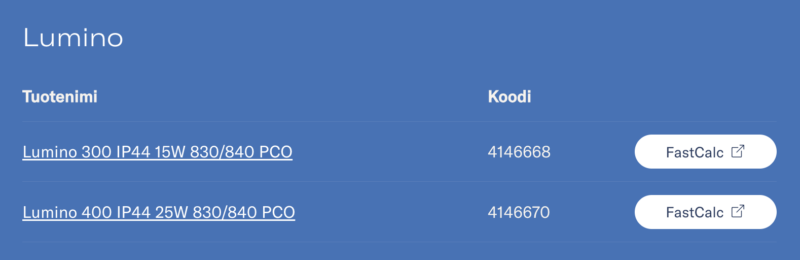
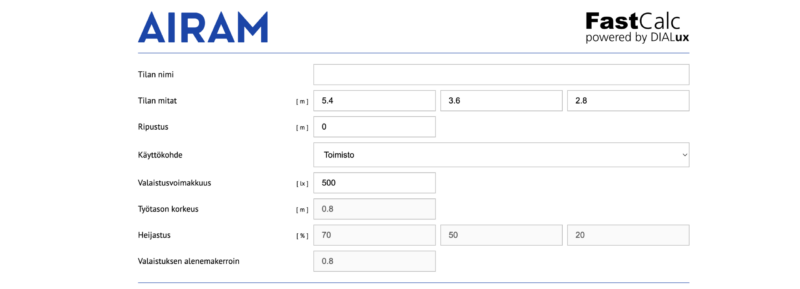
2. Fill in variable factors in the calculator
Fill in the room type or desired light level in lux as well as the dimensions of the space. You receive the number of luminaires for your planned space, a floor plan, front view and side view.
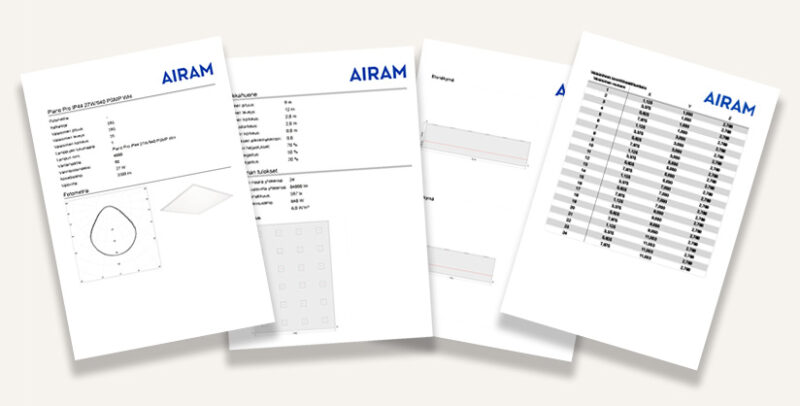
3. PDF for your use
You receive a PDF product card from the calculations with luminaire details and a floor plan with luminaire layout. Download the card for your use.
DIALUX
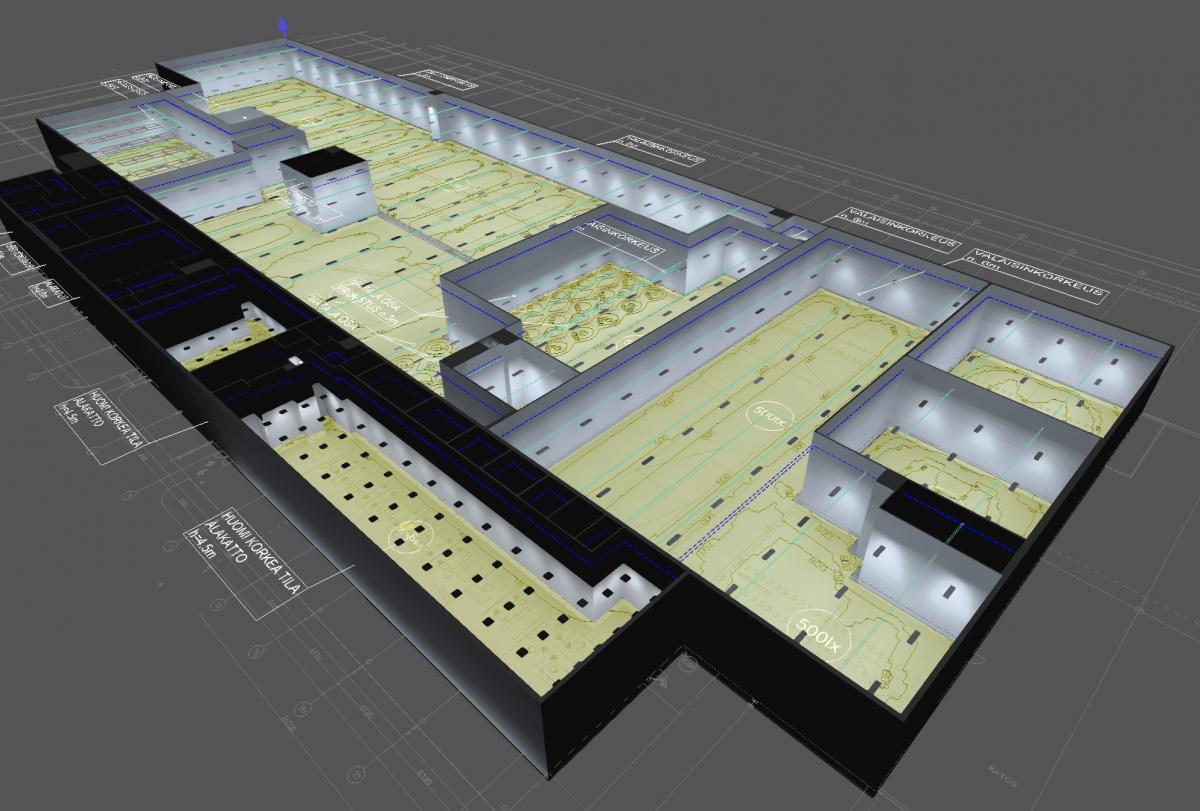
Airam is also available in the DIALux service
Read how a lighting designer’s everyday work becomes easier when we can offer more comprehensive tools for lighting calculations and easier product selection thanks to better visibility.

REVIT
Revit files
Smart space-based 3D design is part of everyday work for electrical designers today. Luminaire Revit files (.rvt) enable graphical 3D modelling of lighting. The designer can visually see the space and geometries needed from both technical and aesthetic perspectives. It brings greater accuracy for both individual designers and collaboration between designers.